Properties Page
The Properties page is the primary area to configure the properties of an item selected in the Navigation Menu, List page, or of a newly created object.
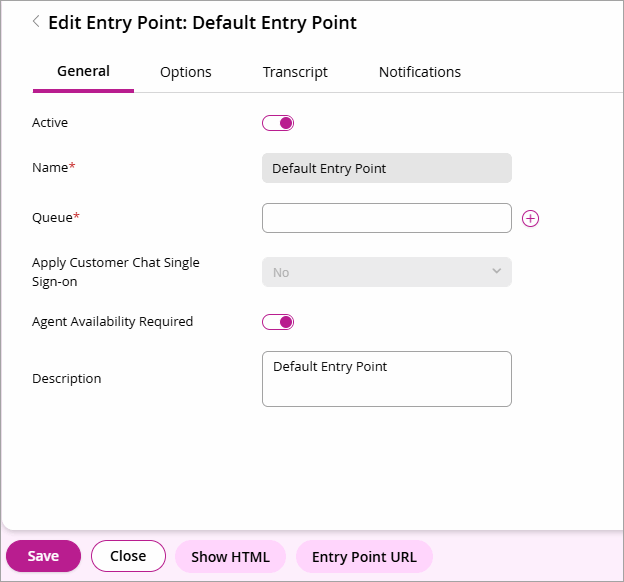
On the Properties page, there can be additional tabs to navigate through the properties. In the footer, the Save and Close buttons are there to save or cancel any changes made to the properties. Depending on the property, there can be additional buttons to configure the properties.