About Customer Accounts
Customer accounts are used to send invitation-based sign-up requests to customers via email for account creation on the secure messaging portal. This is beneficial for businesses that do not want their information made public and prefer that their customers sign up by invitation only.
Configuring Customer Account Settings:
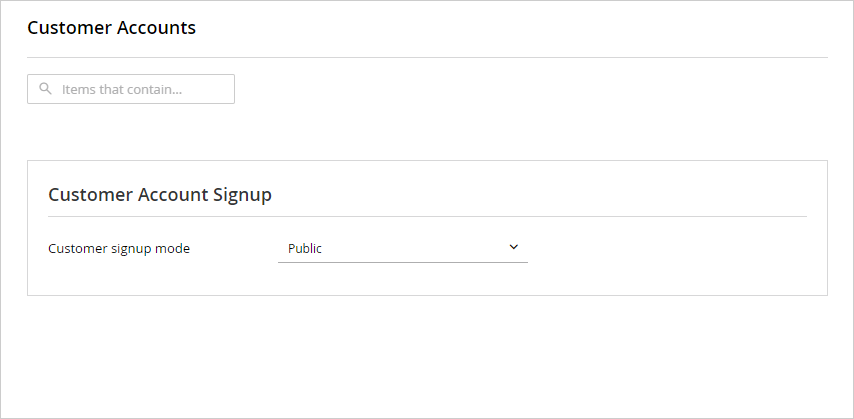
When customer sign-up is enabled, customers can sign up on the eGain secure login page and are then redirected to the secure messaging portal.
To configure Customer Account Sign-up:
- From the Partition and Departments dropdown menu, go to the partition space.
- In the Navigation menu, browse to Security > Customer Accounts > Settings.
- On the Customer Accounts page, configure the Customer Account Settings.
- Click the Save button.
Related Topics